












Engaging presentations
Real-time polls, Q&A, and interactive activities keep participants interested and connected to content whether you're presenting to 30 people or 300. Make sure your carefully prepared content actually lands.
“Unlike other tools that force people to enter random codes, Poll Everywhere lets you create custom URLs that match your brand”

Real-time polls, Q&A, and interactive activities keep participants interested and connected to content whether you're presenting to 30 people or 300. Make sure your carefully prepared content actually lands.

Poll Everywhere gives you visibility into what your audience is thinking. Anonymous polling captures honest input at scale, helping you gauge understanding, address concerns, and make better decisions on the spot.

Poll Everywhere tracks presentation effectiveness over time and across teams. Compare results between presenters, locations, or sessions to understand what's working and improve your organization's presentation quality.
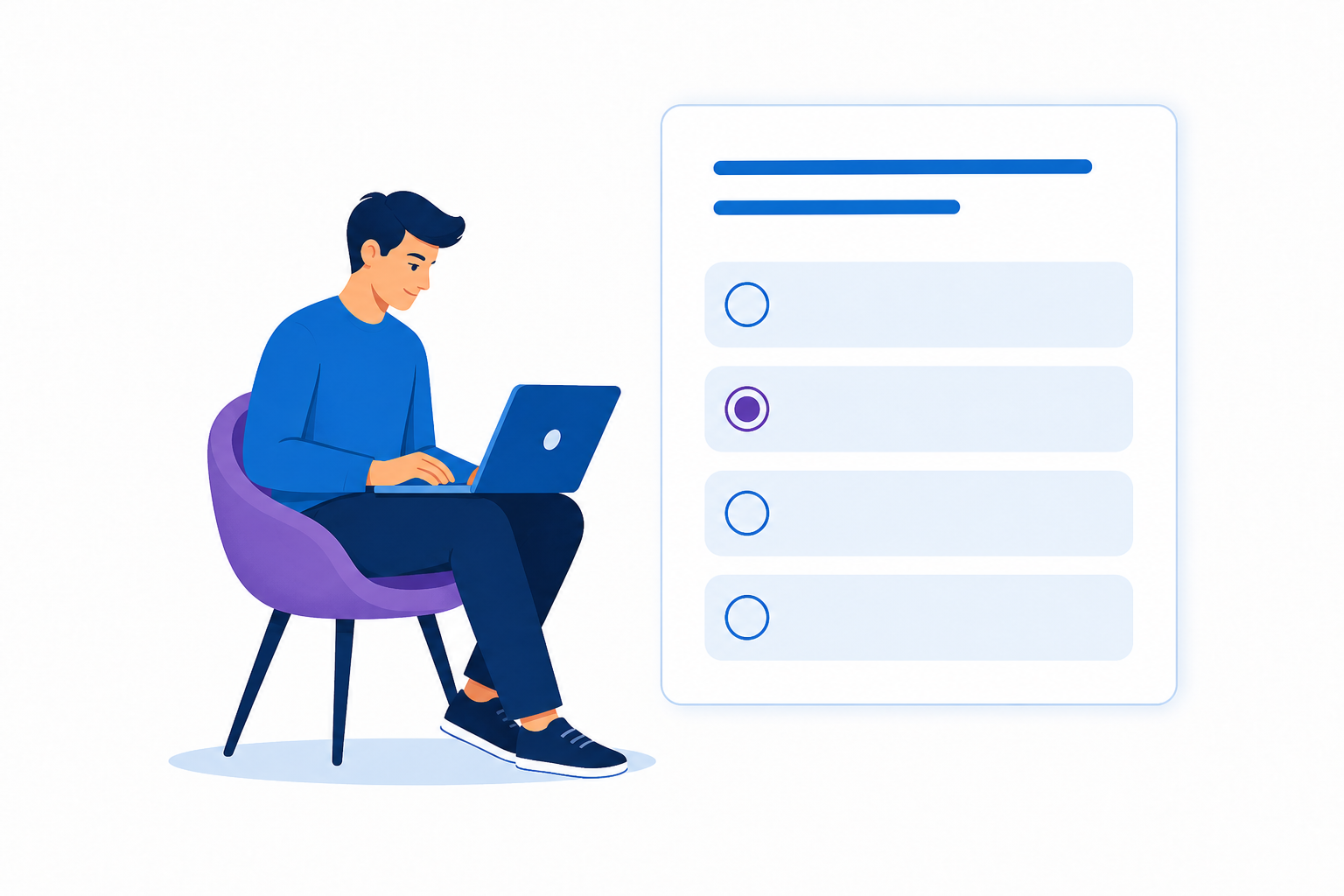
Choose a Poll Type, enter your prompt and answers, and hit present.

See responses update in real-time as audiences submit answers via their device.

Track participation, summarize results, and review questions asked.
When presentations matter for business, whether it's impactful training, employee engagement, or customer buy-in... organizations need a platform that delivers professional results every time.
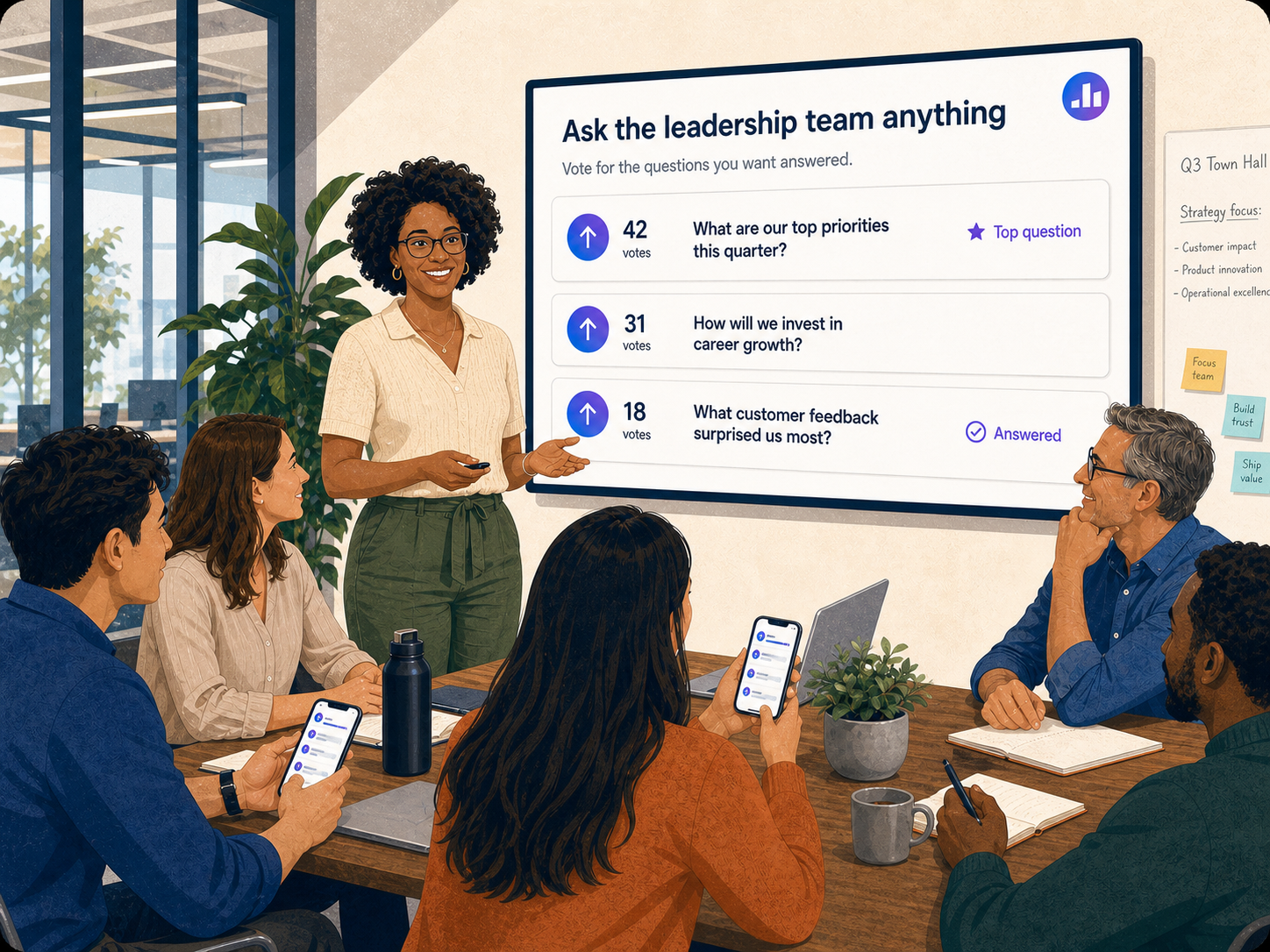
Make meetings more interactive, focused, and data-driven. By capturing insights, presenters can address concerns on the spot and keep conversations on track—ensuring every meeting is engaging, productive, and actionable.
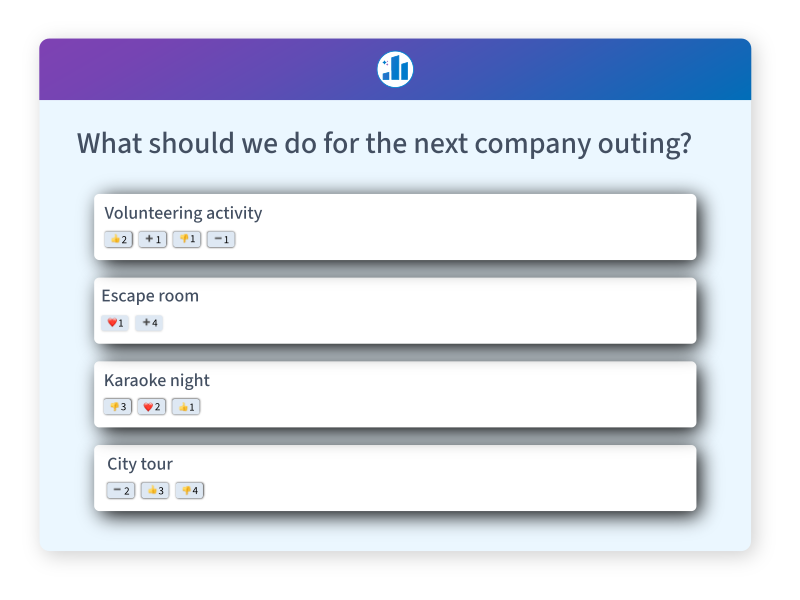
Poll Everywhere makes gathering real-time insights and feedback from employees easy, helping organizations make more informed decisions. Employees can share their perspectives openly and anonymously, leading to more honest responses. Leaders can use this feedback to improve workplace culture while fostering a more engaged and empowered workforce.

Poll Everywhere protects your organization's most sensitive data with enterprise-grade security. From account access to user responses and administrative controls, our platform is built to meet strict compliance requirements and safeguard data at every level.